Second opinions
Every agent answers alone, without seeing what the others said. It's the simplest way to compare them side by side.
Ask out loud, once. Claude, ChatGPT, Gemini, Grok and your own agents all answer, and each one reads its reply back in its own voice. VersAIt runs on iPhone and Mac.
Use your own API keys, or Apple’s on-device model for free. No VersAIt account and no VersAIt server.
How it works
VersAIt is a voice-first front end for the AIs you already use. Put several of them in a group and one question reaches all of them.
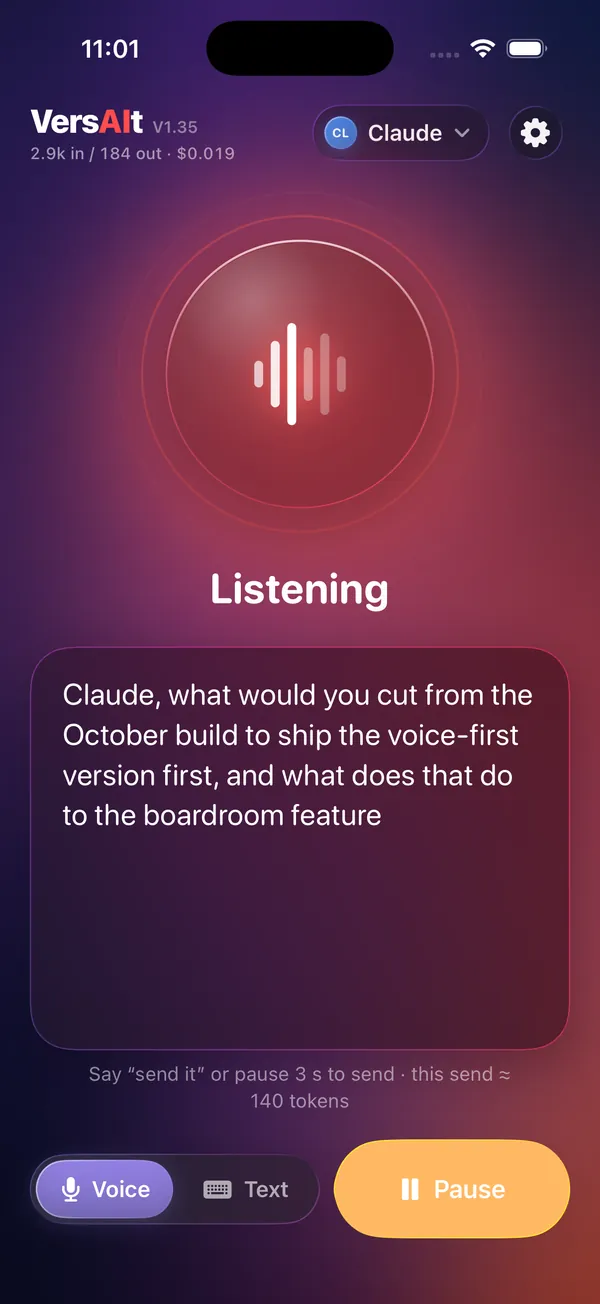
Tap to listen, or hold to talk. Pauses don't cut you off. When you stop for a few seconds or say "send it", your words go out.
Every member of your group gets the question at the same time. Replies stream in as they're written, so you don't wait for the slowest one before hearing anything.
Every agent gets its own voice and colour, and playback starts at the first finished sentence. Replies play one at a time in the order they arrived. Say "skip" to move on to the next one.
Talk to one of them by name. Start with "Claude," or "Hey Grok" and only that agent answers. VersAIt still recognises the name when speech recognition mishears it.
Boardroom
A group can take in second opinions, hold a discussion, run a draft past a reviewer, or report to a chair. Pick the mode that suits the question.
Every agent answers alone, without seeing what the others said. It's the simplest way to compare them side by side.
Each agent sees the others' earlier replies, so they can build on each other or push back, the way people do in a group chat.
The agents take turns in the order you set. Each one works from the previous answer, so one drafts and the next critiques or improves it.
The members answer, then the chair you choose reads every reply and gives a short spoken summary: where they agree, who disagrees and why, and a recommendation. The chair speaks last.
Hands-free or push-to-talk
Leave the mic open while you're walking or cooking. Hold a button when you're at a desk. Switch to typing whenever you like.
Talk as long as you like. A pause adds to what you've said instead of starting over. To send, stop for a few seconds or say your send phrase ("send it" by default).
You can control playback by voice, too: "VersAIt skip", "pause", "faster", "slower". Echo cancellation helps keep the mic from picking up the app's own voice.
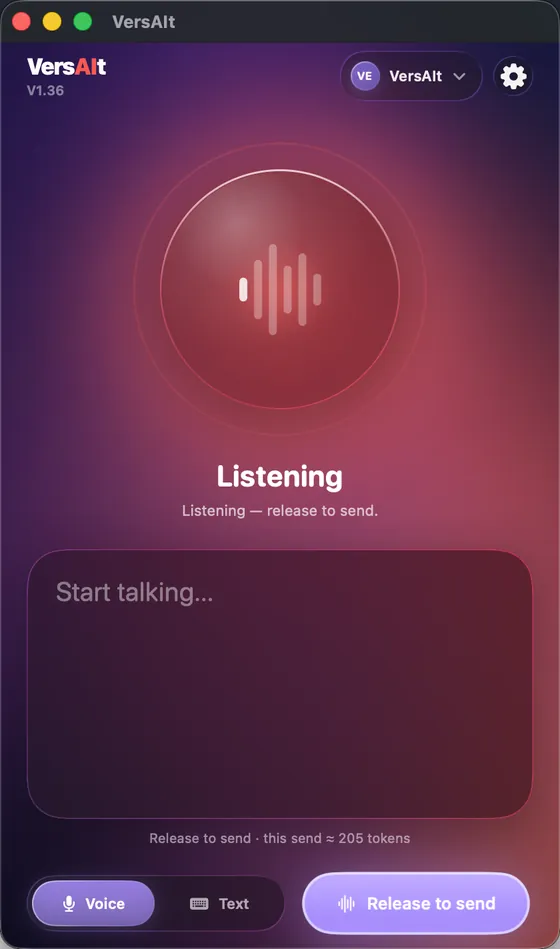
Hold Hold to talk and speak, then let go to send. Nothing is sent until you release, however long you pause. If you release without saying anything, the mic simply closes.
Push-to-talk is on by default on the Mac and off on iPhone. You can change it in Settings on either device.
Prefer to type? Swipe to Text mode for a regular chat view with the same agents, the same groups and the same log. VersAIt also asks the AIs to keep spoken replies short and in plain prose, so they sound natural when read aloud. You can adjust or turn off that instruction.
iPhone + Mac
The Mac app is native, not a phone port. It has the same voice loop, the same Boardroom and the same settings, plus a few things a desk needs.
Your keys, your data
VersAIt connects straight to each AI provider with your own API key. There's no middleman in between.
Your messages go straight from your device to the providers you add. VersAIt has no accounts, no analytics and no tracking.
API keys are stored in Apple's Keychain and synced to your other devices through iCloud Keychain. They never pass through VersAIt.
Apple speech recognition runs on-device when your device supports it. Otherwise Apple's servers process the audio. There's also an optional on-device Whisper mode for more accurate transcription.
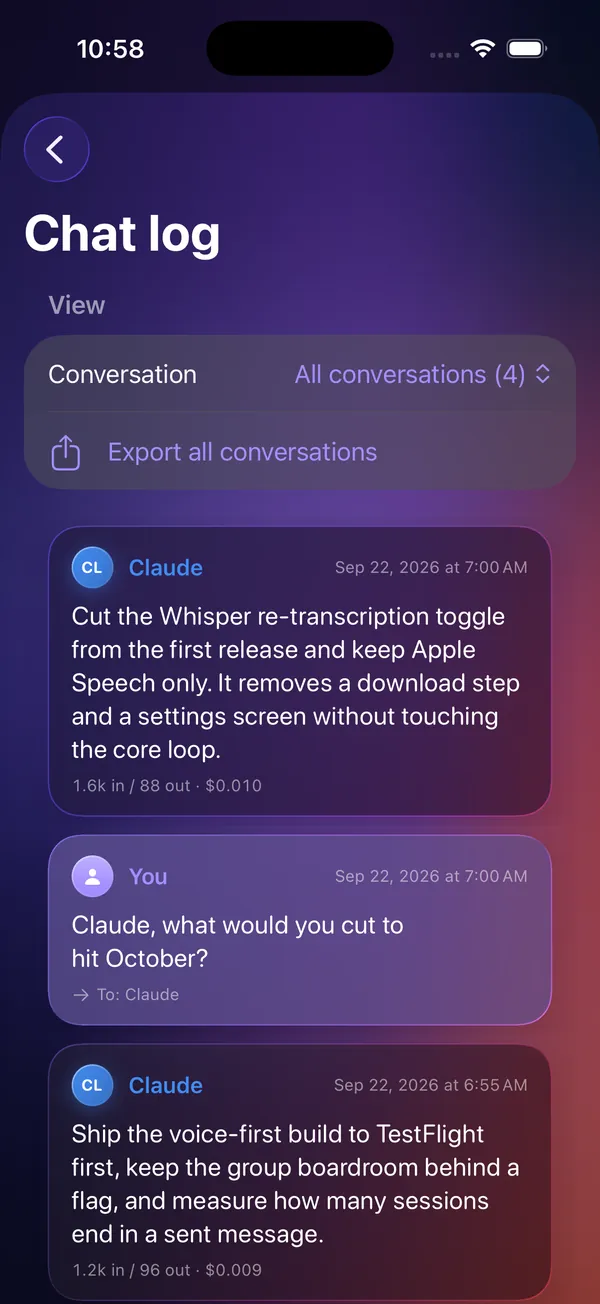
The chat log is saved on your device. You can export it or clear it whenever you like.
Details are in the privacy policy.
Cost meter
When four AIs answer every question, the costs add up. VersAIt shows you the numbers as you go.
For builders
VersAIt isn't limited to the big four. Anything that speaks VRP1 can join a group next to Claude and ChatGPT and use the same voice loop, including your home assistant, a company agent or something you're building.
VRP1 is a small, documented HTTPS protocol. It uses a bearer token, a single call to start a turn, streamed events over SSE and a cancel call. A conformant adapter on top of an existing runtime can be a few hundred lines. To test yours, add it under Settings › Add custom backend.
# the app starts a turn
POST /v1/turns
Authorization: Bearer <your token>

# and streams the reply
GET  /v1/turns/{id}/events   # text/event-stream
POST /v1/turns/{id}/cancel
Want the spec? Email hello@versait.ai.
Run an assistant at home, a company agent or something you built yourself? Put it behind VRP1 and it joins the boardroom like any other AI: its own voice, its own name, answering alongside Claude, ChatGPT, Gemini and Grok.
You pair a server once by scanning a QR code, and VersAIt asks you to confirm before it adds anything or sends it a single message.
FAQ
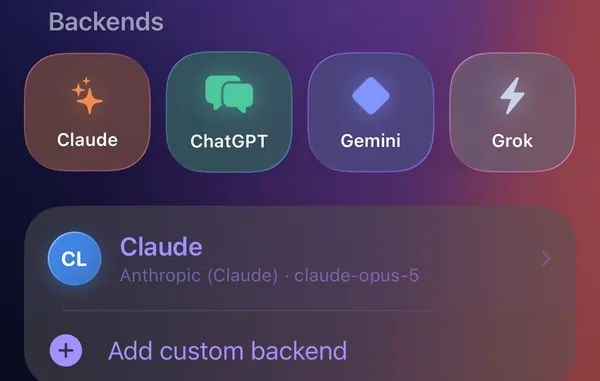
Claude (Anthropic), ChatGPT (OpenAI), Gemini (Google) and Grok (xAI) are built in and set up with one tap, and so is Apple’s on-device model on devices with Apple Intelligence. You can also add any server that speaks VRP1, VersAIt’s documented agent protocol, and mix all of them in one group.
Not to get started: on iPhones and Macs with Apple Intelligence, Apple’s on-device model is built in, free, and works offline. For Claude, ChatGPT, Gemini and Grok, VersAIt connects with your own API key, and the provider bills you directly for what you use. Keys are stored in Apple's Keychain and sync between your iPhone and Mac through iCloud Keychain.
No. VersAIt has no servers of its own. Your text goes straight from your device to the providers you configure, under their terms. Your chat log stays on your device. See the privacy policy.
No. Before your first message goes to an AI service, VersAIt names the service, says what will be sent, links its privacy policy and waits for you to choose Allow and send. You can revoke any approval in Settings › AI data sharing. The on-device Apple model never needs approval because nothing leaves your device.
VersAIt uses Apple's speech recognition, which runs on-device when your device supports it. Otherwise Apple's speech servers process the audio under Apple's privacy terms. The optional Whisper mode runs entirely on-device after a one-time model download. VersAIt itself never uploads audio. The AIs receive only the text.
Pricing hasn't been decided yet. Whatever it turns out to be, API usage is billed to you directly by each provider at their rates, and the cost meter shows you what you're spending.
An iPhone on iOS 17 or later, or a Mac on macOS 14 or later. The full Liquid Glass design appears on iOS 26 and macOS 26.
VersAIt is coming soon to the App Store. For early access, email hello@versait.ai.
"ver-SAY-it", as in just say it. The "AI" in the middle is the part in red.
Coming soon to the App Store
VersAIt is in private testing on iPhone and Mac. Email us to ask for early access, and we'll get in touch when a spot opens up.
Get early access